
TAPE & MASTER
A tape machine: magnetic hysteresis, record and playback equalisation, bias, head bump and high-frequency loss that change with the speed, wow and flutter, and the stereo image of real tape. Three machines, three tape formulas, a pair of needle VUs and an animated machine that runs like a real one.
Full version during the trial. No account, no card. Final price. Nothing is added at checkout.
Features
- Three machines: Meridian M2 (½" mastering), Ember 24 (2" 24-track), Pocket C (cassette)
- Three tape formulas: Glass, Velvet, Rust
- 7.5, 15 and 30 ips, and three cassette speeds
- Drive, Bias, Wow / Flutter and Hiss, as on a real machine
- Auto gain: the same loudness with and without the tape
- The tape starts and stops with your DAW, with the pitch rising and falling
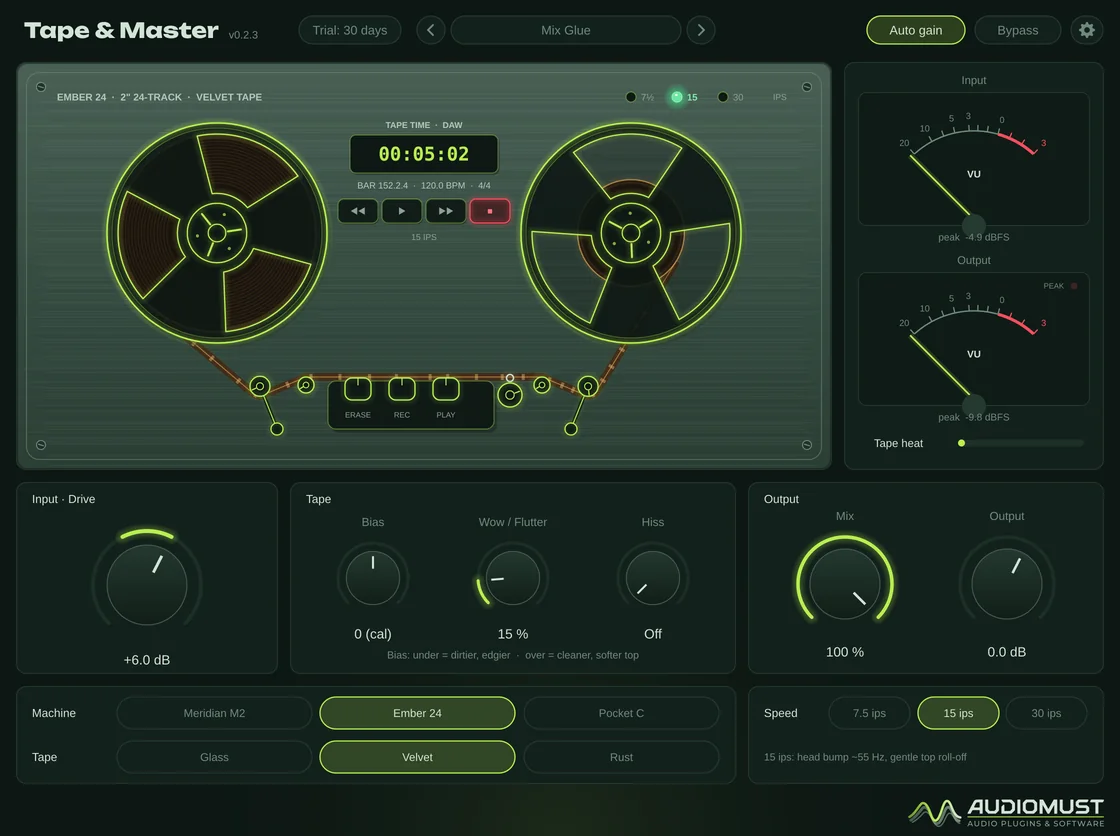
- Animated reels at their real relative speeds, needle VU meters
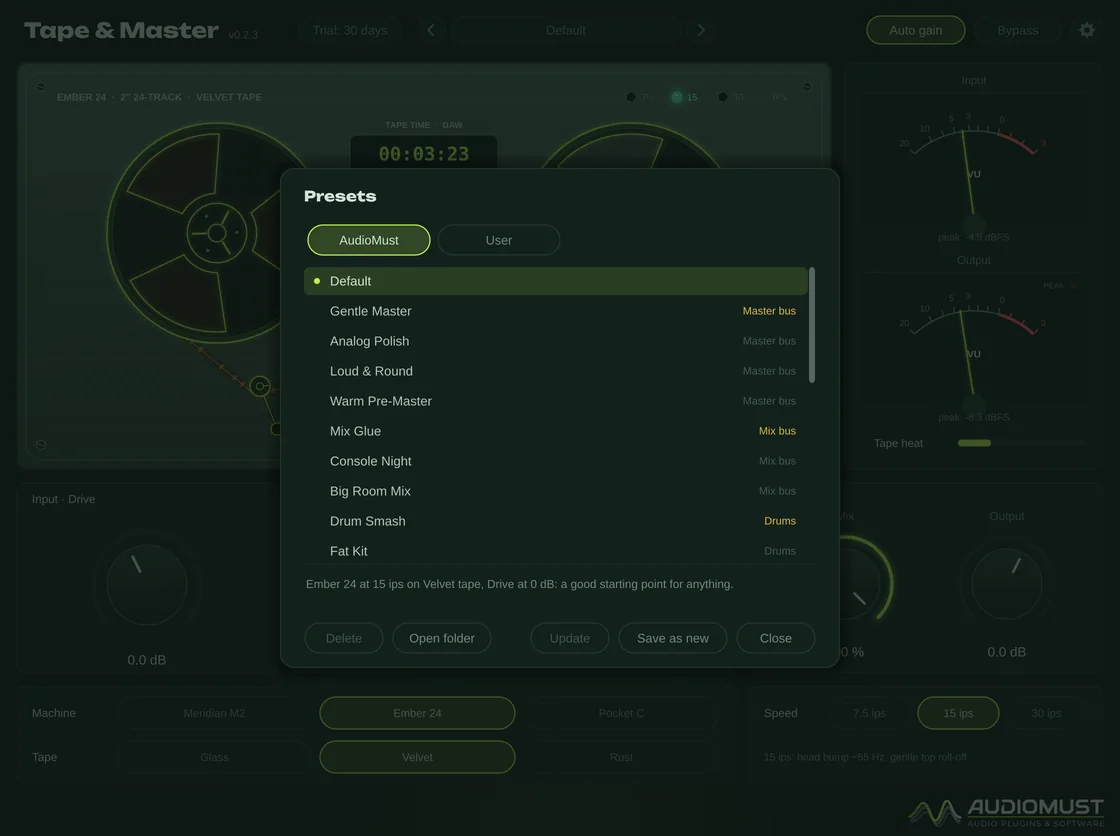
- 24 factory presets plus Default, plus your own
Controls
| Input · Drive | −12 to +18 dB. Level into the tape: more means rounder peaks, more harmonics and more glue. |
|---|---|
| Machine | Meridian M2, Ember 24 or Pocket C: frequency response, head bump, wow and flutter, crosstalk. |
| Tape | Glass, Velvet or Rust: headroom, how soon and how softly it saturates, noise. |
| Speed | 7.5, 15 or 30 ips (on the cassette: Worn, Normal, Hi-speed). Lower is bigger, with a lower head bump, earlier loss of highs and more flutter. |
| Bias | Under-bias is dirtier and edgier; over-bias is cleaner, with a softer top — as on a real machine. |
| Wow / Flutter | Random, drifting pitch movement of the transport, not a regular vibrato. 15 % is a healthy machine. |
| Hiss | Tape noise. 50 % is the real noise of that machine, tape and speed. |
| Mix · Output | Dry/tape, aligned, for parallel tape; final level. |
| Auto gain | Keeps the same loudness with and without the tape, so switching it in and out compares the sound, while the peaks are lower. |
| Bypass | Clickless: the machine slows down and stops. |
Double-click any knob to reset it. Every control glides, without clicks.
Machines and tapes
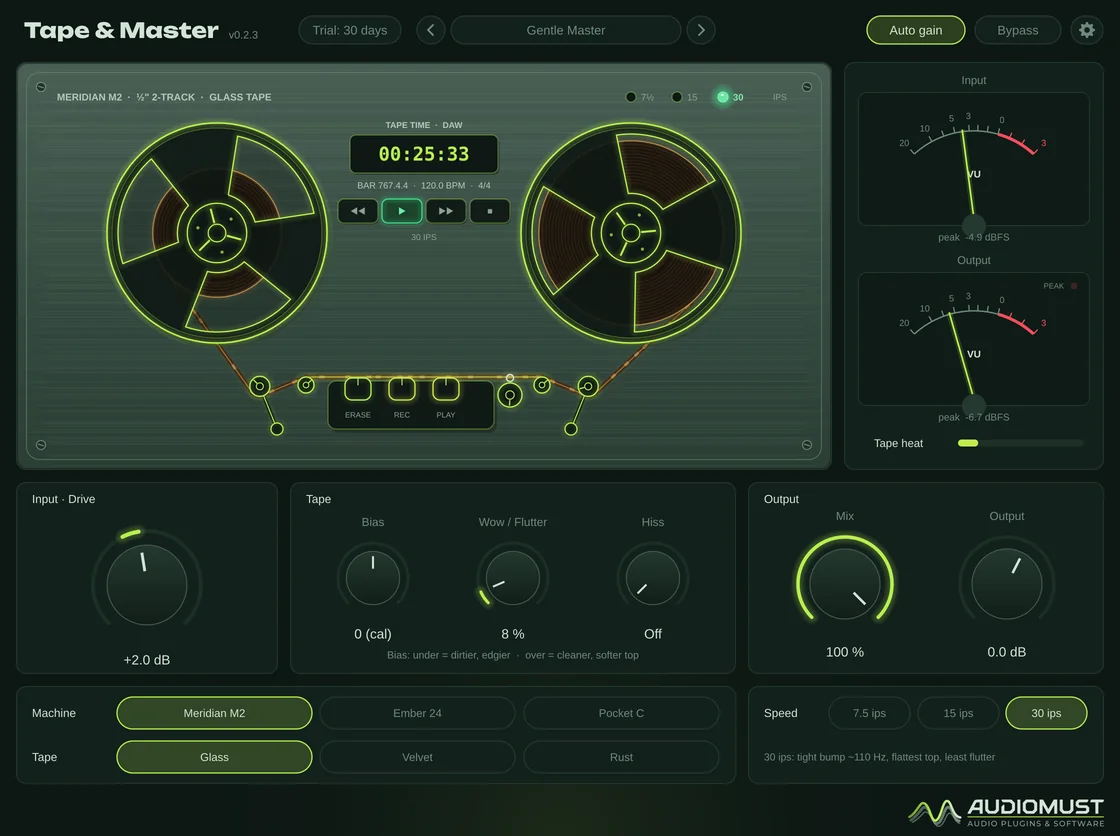
| Meridian M2 | ½" 2-track for mastering: firm, tight lows, a small head bump, very little flutter, a wide image. |
|---|---|
| Ember 24 | 2" 24-track: a big, round head bump, a softer top, more weight. |
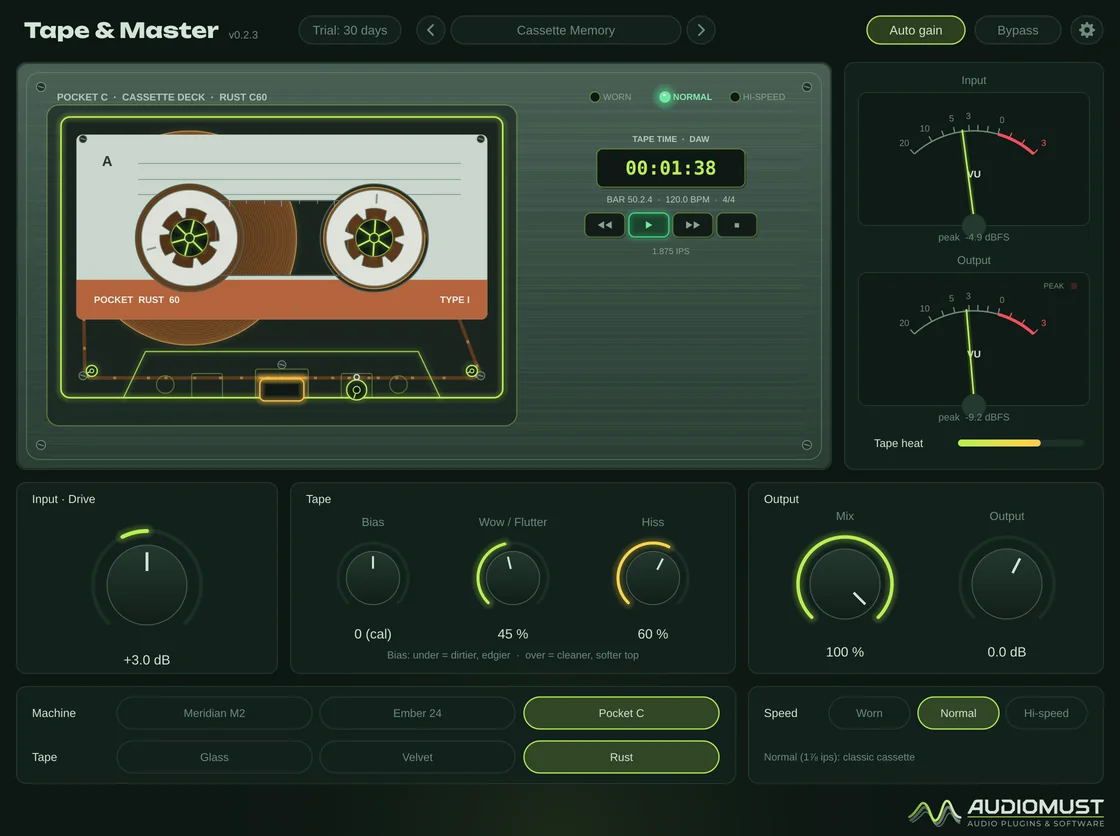
| Pocket C | Cassette deck: narrow and dark, audible wow, crosstalk, occasional drop-outs when worn. |
| Glass | Modern high-output tape: clean and quiet. |
| Velvet | Classic: saturates softly, warm. |
| Rust | Old ferric: compresses early, more second harmonic, darker and noisier. |
As on real tape, the highs saturate before the lows, and the distortion grows smoothly with the level.
The machine on screen
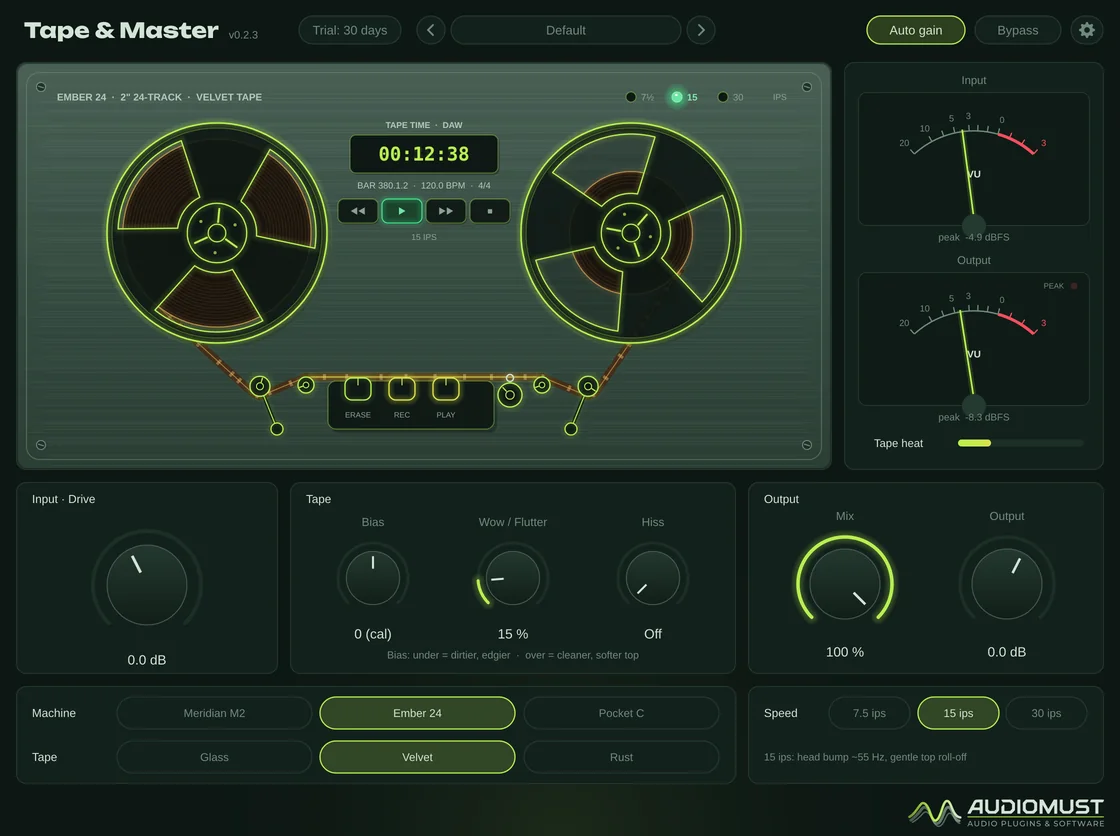
The tape runs at its real speed relative to the reels: the full reel turns slowly, the empty one fast, and they even out as the tape moves across. The heads and the tape glow warmer with the measured saturation, the arms tremble with Wow / Flutter, and the counter shows your DAW’s time, bar, tempo and time signature.
The machine runs when the DAW plays and brakes to a halt when it stops. With Tape start/stop with the DAW on (in the DAW’s parameter list), you also hear it: the pitch rises as the tape gets up to speed, and falls as it slows down.
Presets
24 factory presets plus Default in the AudioMust tab, each with a one-line description:
- Master bus — Gentle Master, Analog Polish, Loud & Round, Warm Pre-Master.
- Mix bus — Mix Glue, Console Night, Big Room Mix.
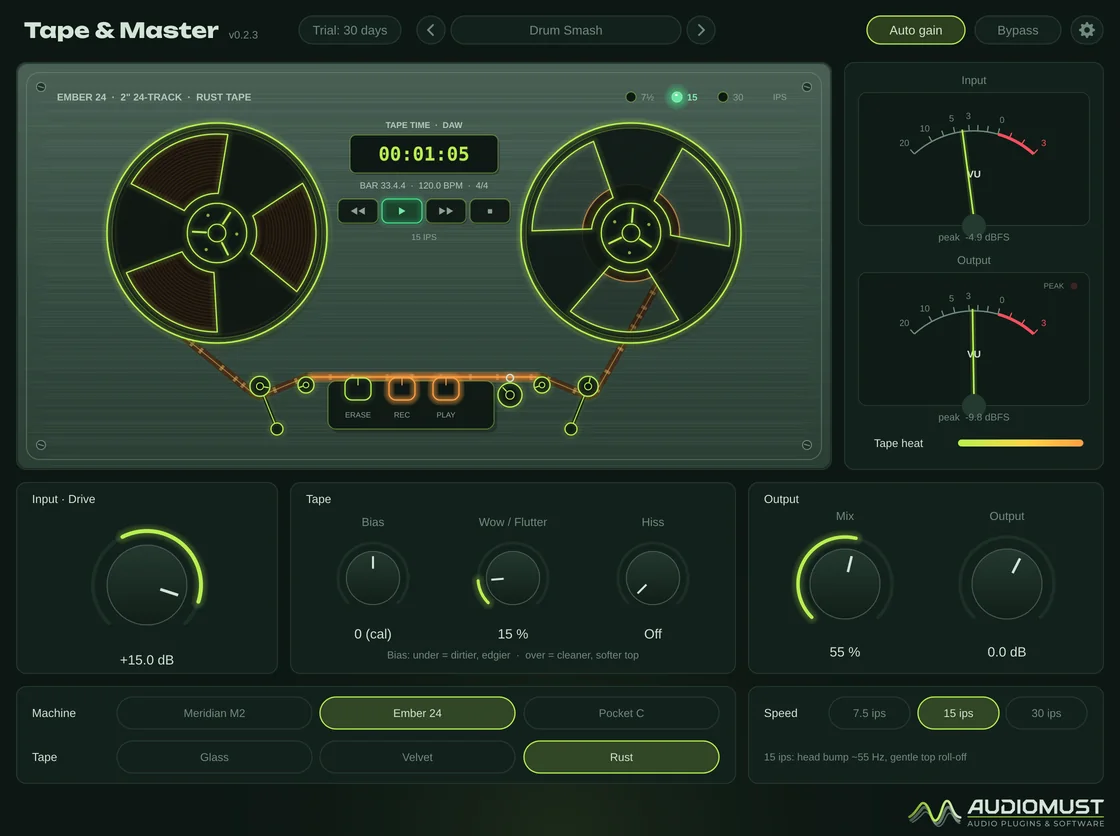
- Drums — Drum Smash, Fat Kit, Tamed Cymbals, Room Crush.
- Bass — Warm Bass, Sub Bump, Grit Bass.
- Vocals — Vocal Silk, Radio Lead.
- Guitars and keys — Rhodes Velvet, Guitar Bus Crunch, Grand Tape, Synth Bus.
- Lo-fi — Cassette Memory, Worn Demo Tape, Old Walkman, Dusty Loop.
Your own presets are .tmpreset files in ~/Library/Audio/Presets/AudioMust/Tape and Master/.
Settings
- General — interface size and Quality: Eco (2x), Normal (4x, default) or High (8x) oversampling.
- Meters — 0 VU reference, classic or fast ballistics, peak lamp.
- Display — frame rate, detail, and whether the reels follow the DAW’s song position.
- Licence — trial status, Machine ID and activation.
Measured
Measured through the plug-in’s sound engine on our test machine.
- Distortion at 0 VU (1 kHz): 0.17 % on Glass, 0.41 % on Velvet, 1.0 % on Rust — mostly odd harmonics, rising smoothly with the level.
- Wow and flutter at 15 %: 0.037 % RMS on the Meridian at 15 ips, 0.14 % on the cassette — typical of real machines in good condition.
- Auto gain keeps every preset within about ±1.2 dB of the input loudness.
- Bypass is bit-exact; every control switched four times a second: no clicks.
Specifications
- Formats
- AU · VST3 · Standalone app
- System
- macOS 11 or later, Apple Silicon and Intel
- Machines
- Meridian M2, Ember 24, Pocket C
- Tapes
- Glass, Velvet, Rust
- Latency
- About 4.3 ms at 48 kHz, reported to the DAW
- Presets
- 24 factory presets plus Default, plus your own
Requirements
macOS 11 or later, on Apple Silicon or Intel. A DAW that loads AU or VST3 plug-ins — tested in Ableton Live — or the standalone app. It is heavier on the CPU than the other AudioMust plug-ins: use the Eco quality on many tracks.
Screenshots
FAQ
Do the machines copy real models?
The three machines and the three tapes have invented names. They behave like their kind: a ½" mastering deck, a 2" multitrack and a cassette deck, with modern, classic and old ferric tape.
Why does the sound repeat a little when I stop the DAW?
With Tape start/stop on, the tape slows down to a halt when the DAW stops. A DAW sends no more sound once stopped, so the tape plays the last moment again while it slows. You can switch this off in the DAW’s parameter list.
What happens when the trial ends?
After 30 days the audio drops out for 1.5 seconds every 45 seconds until you activate a licence. Everything else keeps working, including your sessions and presets.
Can I use it on more than one Mac?
Each licence key activates one computer. For a second Mac you need a second licence (set the quantity to 2 when you buy). If you replace your Mac, write to us and we move the licence to the new one.
How do I activate it?
Buy it and your licence key arrives by email straight away. In the plug-in, click the gear icon, then Licence, paste the key and press Activate. The computer must be online for the activation.
Does it need the internet?
Only now and then. Activation is online. For the first 120 days after purchase the plug-in checks its licence from time to time, in the background. After that the licence is permanent and works offline for good. If it has been offline for a long time in those first days, it asks you to connect once. The free trial works without the internet.